Free for everyone
No price, no subscription, no account and no trial that runs out. Download it and it is yours to keep.

Recording a song used to need a studio. Now it needs a computer and the right software, and the right software usually comes with a price, a subscription, or an account that can be closed. Whether you get to make music shouldn’t depend on any of that.
Northlight is a complete studio that costs nothing and belongs to the people who use it.
Free for everyone
No price, no subscription, no account and no trial that runs out. Download it and it is yours to keep.
For any purpose
Make an album, score a film, teach a class, sell what you record. Your music is yours, and Northlight asks nothing of it.
Open to read and change
The source code is public under the GNU AGPLv3. Study how it works, change it, build it yourself and share what you make of it.
Made in the open
Plans, bugs and decisions are public on GitHub, where anyone can follow them and anyone can take part.

A computer and the wish to make something should be enough.
Northlight is built for real work, from recording a band at low latency and comping the best take to delivering a finished master. Here are a few of the things it does.
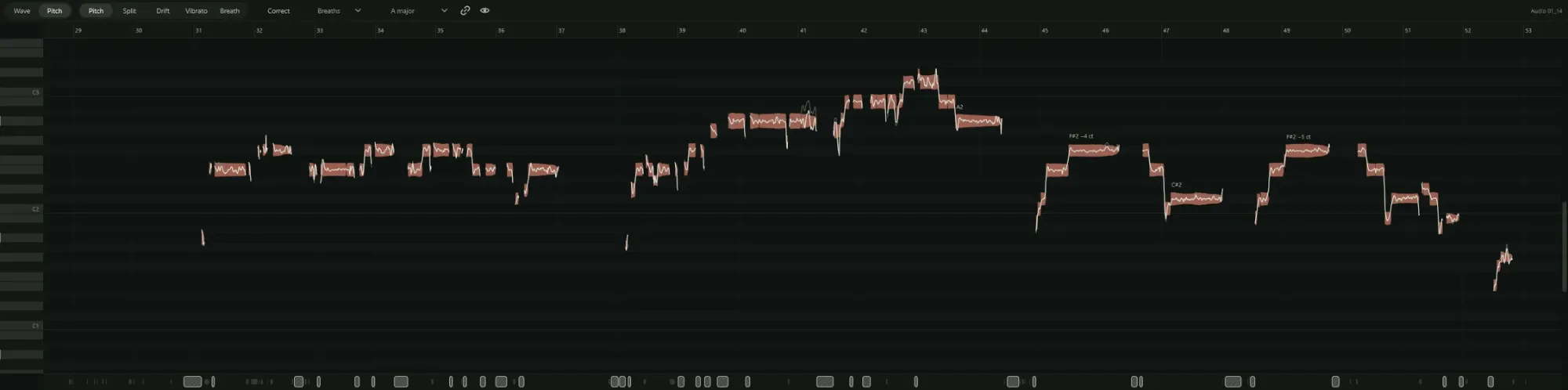
Northlight finds every note in a sung part. Move a note, split or join notes, or correct the whole take towards the key, and quieten the breaths between phrases. A correction moves a note’s centre but keeps the singer’s vibrato and the slides between notes, so it still sounds like them. Every edit can be changed or undone later.
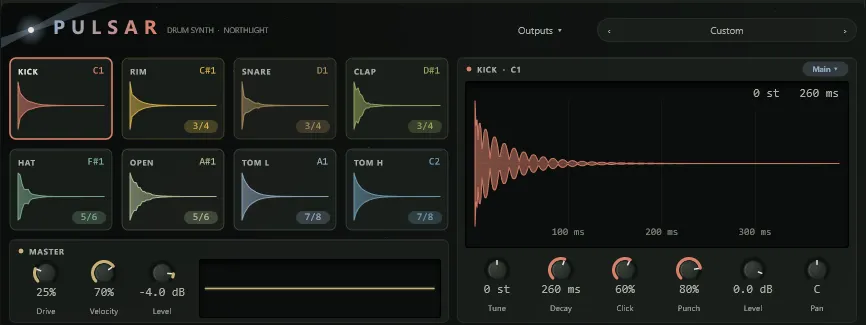
You don’t need to buy anything to start writing. Northlight comes with Pulsar, a drum synth; Aurora, for basses and keys; Nebula, for slow, drifting pads; Starbit, a chiptune synth; and a sampler for your own sounds. When you want more, it runs your VST3 and CLAP plugins too.
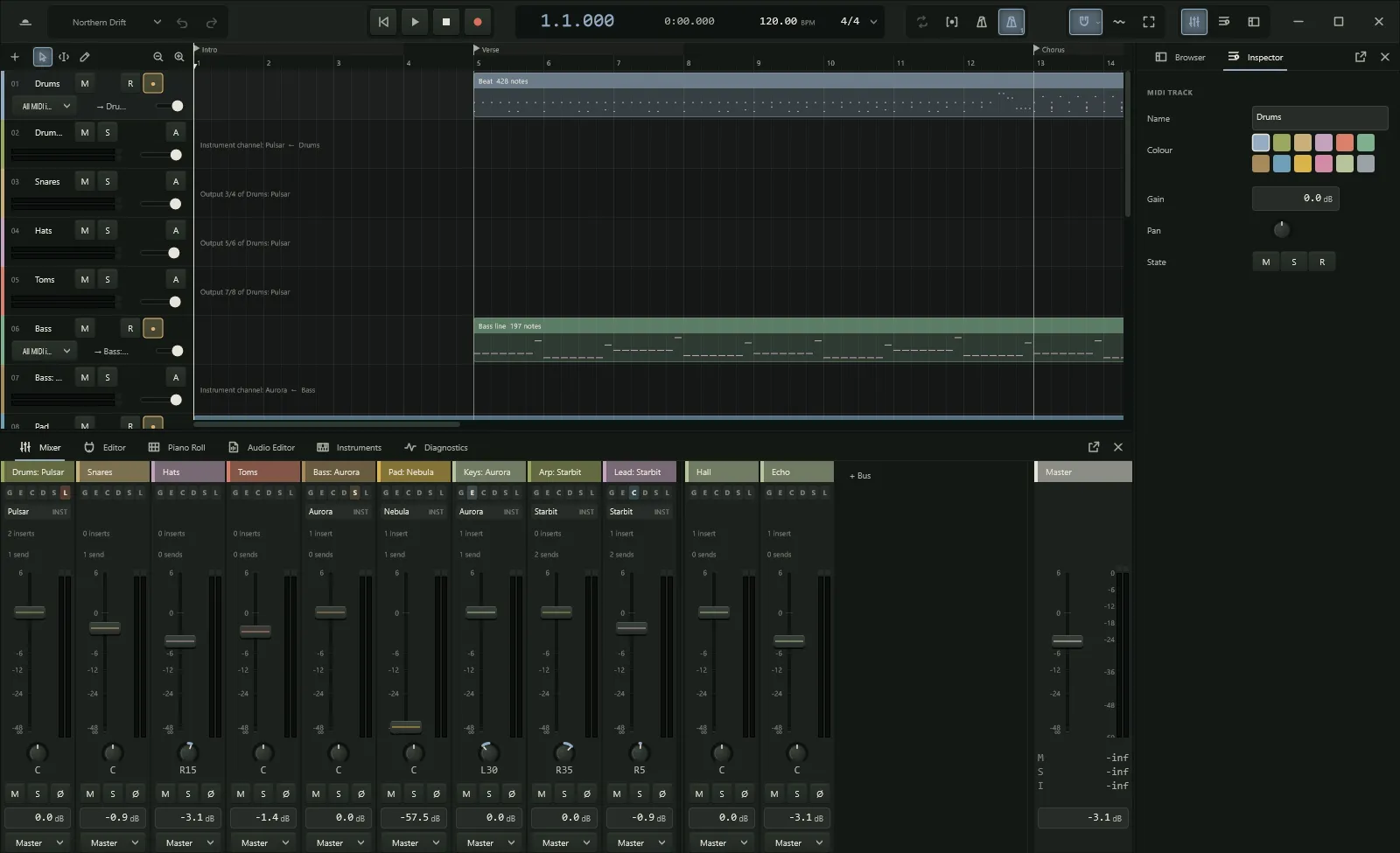
Send to reverb and echo on FX tracks, group tracks into buses, and automate anything. Meters show what’s really there, and plugin delays are compensated so everything stays in time. When the mix is done, export to WAV, AIFF, FLAC or Ogg, with loudness normalisation.
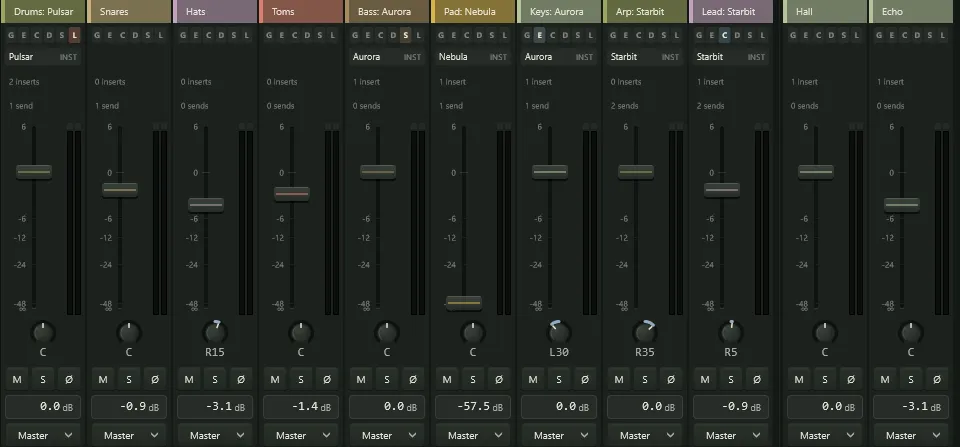
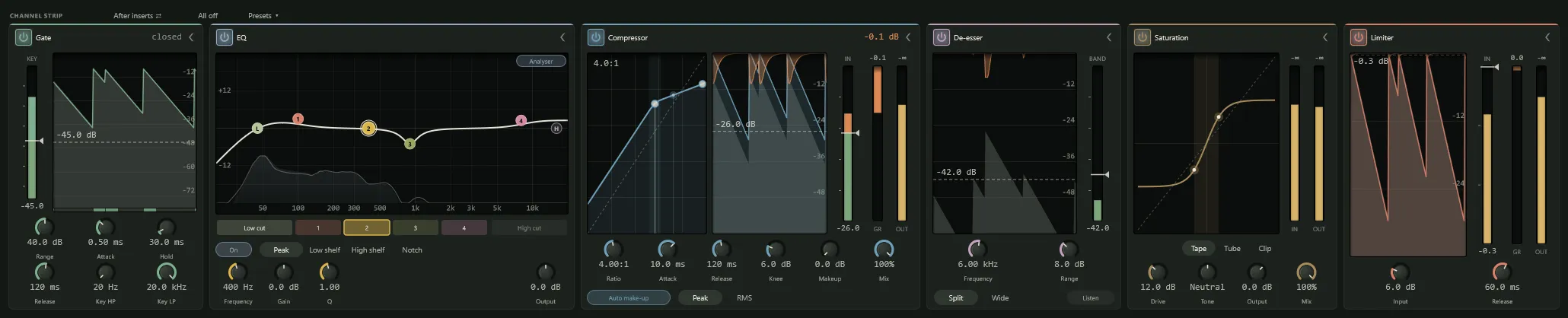
Every track and bus has a gate, EQ, compressor, de-esser, saturation and limiter built in, ready to switch on. Each one shows what it’s doing as you play: the EQ curve, the compressor’s gain reduction over time, the saturation curve. Drag them into any order, or start from a preset for vocals, guitars, drums or the mix bus.